

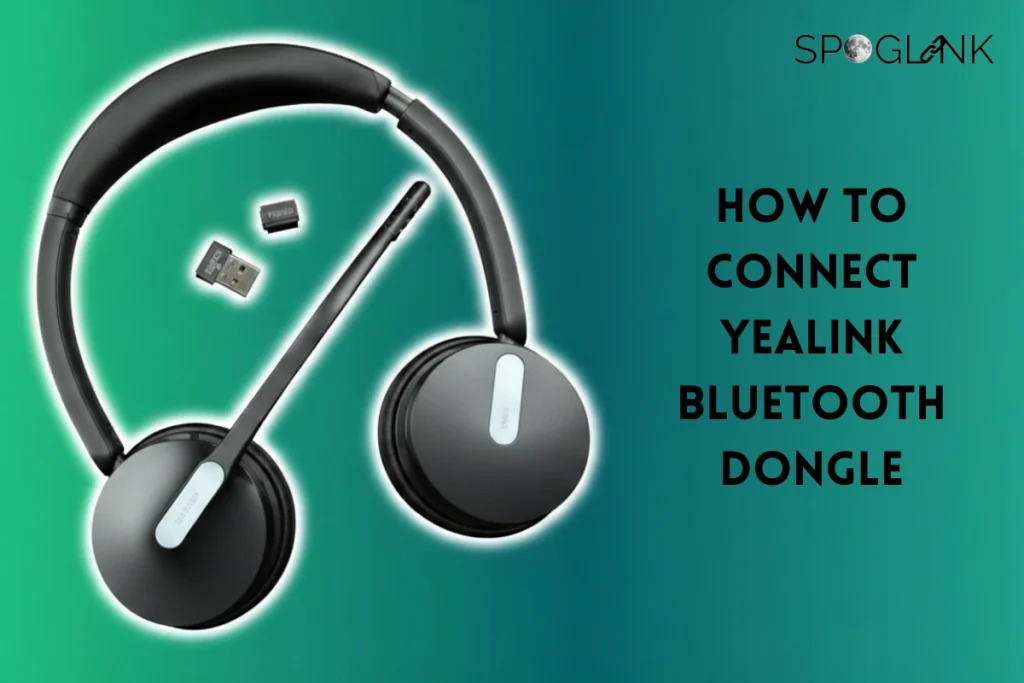
What is Yealink Bluetooth Dongle?
Yealink Bluetooth Dongle is basically a small, compact device, ready to plug-and-play adapter that either gives or enhances the wireless connectivity with Yealink compatible devices such as IP phones, headsets, speakerphones, etc.
Core Functionality:
The main function of a dongle is to enhance the wireless functionality of devices, making its wireless connection flawless and increasing the performance of electronic devices. Mainly designed to improve device performance, especially those devices that lack built-in Bluetooth features, or to provide a more dependable wireless connection than a native device’s Bluetooth.
Yealink USB Bluetooth Dongle main function:
Yealink USB Bluetooth Dongle provides multiple functions, some of which are:
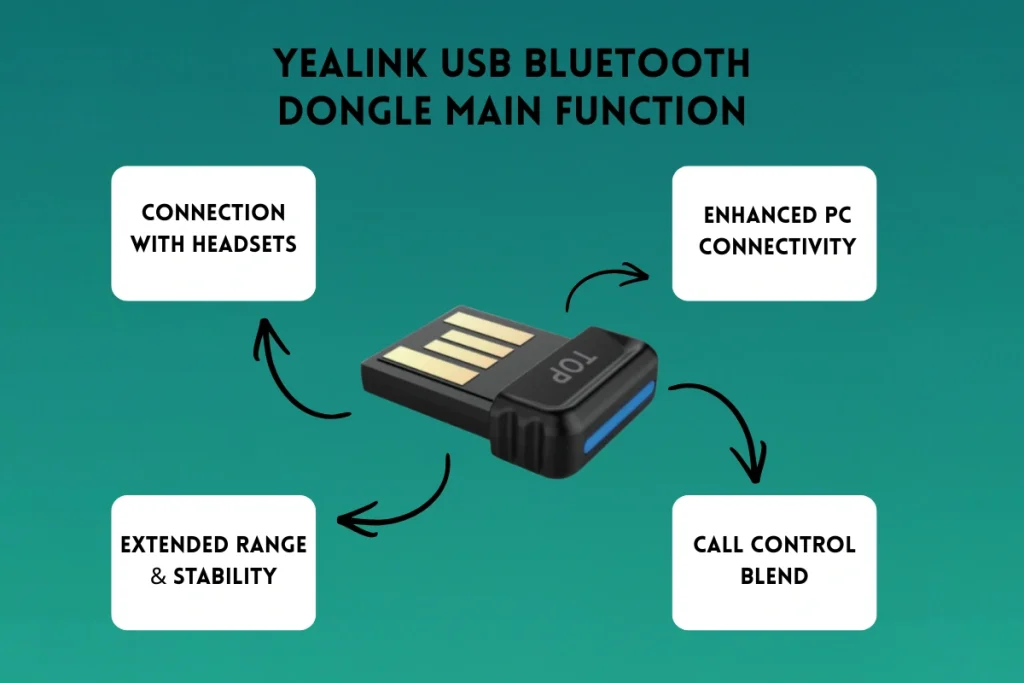
- Connection with Headsets:
Yealink USB Bluetooth Dongle allows its users to connect their headset wirelessly with a variety of Yealink’s IP phones, which gives users free hands to roam around an office and stay connected to a call.
- Enhanced PC connectivity:
For devices like Yealink CP900 and CP700 speakerphones or Yealink BH series, a dongle like Yealink BT50 gives a very stable connection to a PC, backing features like HiFi music streaming via A2DP and providing a clear audio for professional calls on platforms like Microsoft Teams or Zoom.
- Extended Range & Stability:
In contrast to standard PC Bluetooth, the Yealink dongle usually provides an extended wireless range (up to 30m/100ft with models like the BT50) and a more stable connection, which is very important for professional communication, businesses, and offices.
- Call Control Blend:
When a Yealink dongle is used with compatible Yealink devices, it helps with uninterrupted call management (e.g., answering/ending calls, adjusting volume, etc.) directly from the headset or speakerphone, which might not be possible with generic Bluetooth connections or in old-designed gadgets.
How To Connect Yealink Bluetooth Dongle
- Plug In Dongle:
First, plug in the Yealink USB Bluetooth Dongle (for example, BT40 or BT50), into the USB port of your Yealink device.
- Enable Bluetooth on Phone:
Now, press the menu button and go to the basic > Bluetooth and then turn ON the Bluetooth.
- Activate Headset Pairing:
Then, power ON your Bluetooth headset and press/hold its Bluetooth button or (power button), and wait for its LED lights to turn ON (it might be red and blue or green and blue)
- Scan and Connect:
Now, on the phone’s screen, press SCAN, then choose your headset name from the list, and then press CONNECT on the screen.
Key Qualities of Yealink USB Bluetooth Dongle:
Yealink offers different models, such as the older BT41, the newer and stronger BT50, each with specific features:
- Plug-and-Play:
The devices are generally plug-and-play, require a minimal setup, though some advanced features or firmware updates may require the use of the Yealink USB Connect app.
- Bluetooth Standards:
Different models support different specifications; for instance, the BT41 dongle is compatible with Bluetooth V4.1, while the BT50 uses Bluetooth 5.0 for a more reliable connection.
- Audio Quality:
They support various audio bandwidths (narrowband and wideband) and technologies like A2DP for high-quality audio and music streaming.
- Visual Indicators:
A built-in LED light typically indicates the pairing and connection status.
For a detailed understanding and step-by-step explanation of how to connect Yealink Bluetooth dongle, including dongle compatibility, supported models like BT41, BT50, and WDD60, check our complete Yealink Bluetooth dongle compatibility & Setup guide.
Connecting a Yealink headset to Phone Through The Dongle
Yealink has a variety of top-notch headsets for users who are in need of smooth communication devices that block out interrupting noises, whether you are working in an office or remotely. Presenting Yealink BH series.
Yealink BH74 Series:
The BH74 series is the top-picked headset among Yealink’s family, with a lightweight design (152 grams). These headsets are a two-eared unit covering both ears on the top of the ear with big earcups of 30mm and have the newest feature from Yealink with Hybrid Active Noise Canceling (ANC).
ANC has been proven to be the best way for headset users to block unwanted and bothersome noises that happen in the workplace. The best part of the BH74 series is that this feature comes with a Hybrid mode of graduation, which means it can be adjusted to the different levels of noise blocking at a very reasonable price point. It has an impressive battery life, and it offers up to 32 hours of talk time or, if you prefer, streaming up to 65 hours on 1 single charge! This battery time is a huge improvement over other Bluetooth headsets with no ANC feature. The smart sensors located in the headset allow the user to play/pause streaming or mute the microphone by simply taking the headset off.
Thanks to the USB-C port found on the headset, it allows faster charging using either the included USB-C cable or any USB-C cable available at the office, such as laptops or smartphones. All the Yealink BH74 Bluetooth headsets come with the BT51C Dongle and with the USB-C to USB-A adapter! This helps to make it easier to order or to use, as with the Dongle and the adapter, the BH74 headset can be used in any laptop or desktop computer or any Mac.
Comparison of Yealink Dongles:
Yealink offers one of the best dongle compatibilities across different Yealink devices. Below is the table that shows which dongle compatibility has what features and is best at serving which type of connection:
| Yealink Dongles | Features | Best in | Price |
| Yealink BLT60 | Bluetooth dongle for Yealink devicesStable wireless connectivityCompact & plug-and-play design | wireless connection between Yealink phones and mobile devices or Bluetooth headsets | $33.00 |
| Yealink BT41 | Bluetooth 4.1 technologySupports Bluetooth headsets & mobile devicesEasy pairing with Yealink IP phones | Bluetooth connection to smartphones, tablets, and other Bluetooth-enabled devices for wireless communication | $40 |
| Yealink BT42 | Bluetooth 5.0 for improved range & stabilityFaster pairingBackward compatible | Bluetooth connection for Yealink devices, enabling wireless pairing with smartphones, tablets, and PCs | $32 |
| Yealink BT50 | Bluetooth 5.0Optimized for Yealink headsetsLow latency & strong signal | Bluetooth connection between Yealink devices and smartphones, tablets, or PCs for enhanced mobility. | $49 |
| Yealink BT51-A | Bluetooth USB dongle (USB-A)Microsoft Teams certifiedOptimized for Yealink wireless headsets | Advanced Bluetooth technology for reliable connections.Compatible with Yealink devices for optimal performance. | $33 |
| Yealink BT51-C | Bluetooth USB dongle (USB-C)Teams certifiedIdeal for modern laptops & devices | Optimized for Yealink devices with superior compatibility. | $33 |
Yealink provides one of the top-notch gadgets that are suitable for office environments and businesses of different types, so if you are looking for an accessory that enhances performance or an electronic gadget that improves overall performance, then look no further and reach out to us to make the best purchase within a pocket-friendly budget.
✍️ Author’s Bio
This article is crafted by Spoglink’s Research & Content expert, with a group of technology specialists dedicated to helping U.S. businesses make smarter IT decisions. Our experts collaborate closely with IT managers, system integrators, and hybrid teams to evaluate cutting-edge collaboration tools from brands like Yealink, Grandstream, OWL Labs, Snom, TP-Link, and Ubiquiti Networks. Through hands-on testing in real-world business environments, the team delivers actionable insights and unbiased reviews—empowering organizations to choose the right technology for seamless communication, conferencing, and connectivity.


